

xTool Roller Extension Kit for RA3 Rotary Tool – Extend Your Rotary Range
Introduction
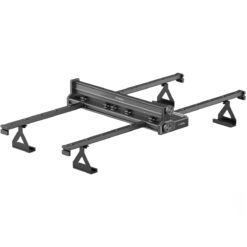
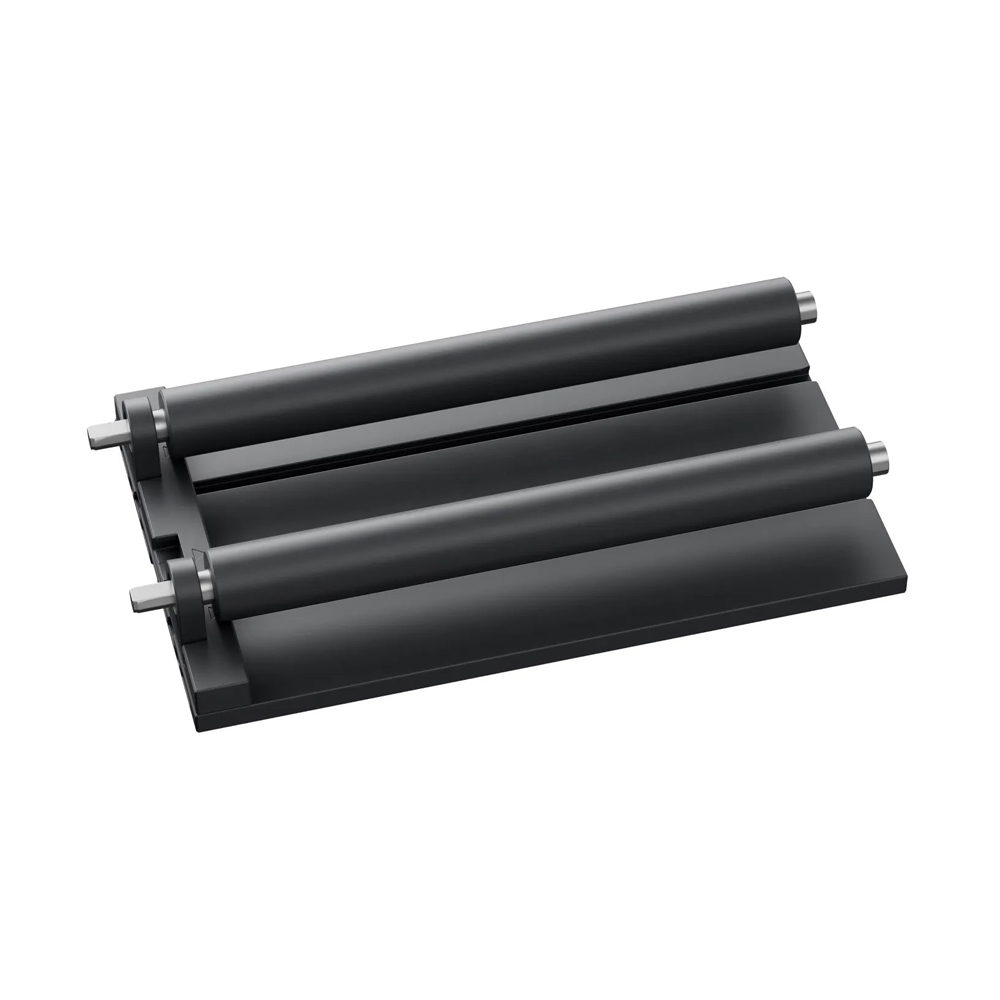
Add the xTool Roller Extension Kit for RA3 Rotary Tool to your setup and unlock more engraving length. This extension kit works seamlessly with the xTool RA3 rotary module and boosts your ability to engrave long cylinders. It fits perfectly because RA3 uses a MagSwap™ design to allow attachments to snap in.
With this extension kit, you can engrave mugs, bottles, and long tubes in one continuous run. It enables more space for objects and helps you manage batch jobs faster and easier.
Why Choose the Roller Extension Kit for RA3 Rotary Tool?
Better Batch Processing & Efficiency
Because the roller extension kit for RA3 rotary tool adds extra length and stability, you can process multiple objects in one session. You can even mount up to three sets of rollers for different designs and avoid reloading.
Moreover, this extension delivers smooth, consistent rotation for clean engraving on cylindrical surfaces. With better mechanical stability, your engraving remains sharp and uniform.
Seamless Integration & Easy Setup
Thanks to the MagSwap™ magnetic design, the extension kit snaps in without tools. You don’t need screws or complex alignment steps. It integrates cleanly with the RA3 base module.
Because RA3 already supports automatic mode recognition and 3D preview, the extension doesn’t interfere with those smart features.
Versatility for Long Objects
If your project involves long cylindrical items—tubes, long bottles, or rods—this extension kit is ideal. It gives extra room and better grip for tricky shapes. Use it to push your RA3 to its full length potential.
Key Features & Specs of the Roller Extension Kit
-
Compatible with xTool RA3 rotary module (P-Series)
-
Adds length extension for longer cylinder engraving
-
Snap-in design (MagSwap™) — no screws needed
-
Supports batch processing on multiple rollers
-
Offers stable, smooth rotation for consistent engraving
-
Works perfectly with RA3’s automatic mode recognition
-
Great for mugs, bottles, tubes, and other cylindrical objects
How to Use the Roller Extension Kit (with RA3 Rotary Tool)
-
Turn off your RA3 and detach the current roller attachment.
-
Snap the extension component into place via MagSwap™, aligning the connectors.
-
Reattach your roller set on the extended unit.
-
Secure the object(s) along the extended length.
-
In xTool Studio (or supported software), calibrate if needed and begin engraving.
-
For long jobs, you can set up multiple items in a row and run a batch.
If you want guidance on RA3 setup, check the xTool RA3 user guide or our rotary accessories page for more details.
Benefits You’ll Love & Use Cases
-
You’ll save time because you can batch engrave long cylinders in one go
-
You’ll get cleaner results due to stable rotation over longer spans
-
You’ll expand your creative possibilities: long tubes, travel mugs, wine bottles
-
You’ll make your RA3 rotary tool more flexible and powerful
-
Ideal for small businesses doing personalized bottles, drinkware, or industrial tubes